
AI RAP VIDEO GENERATOR
Make an AI rap video from one line and one photo
Type the theme and RapMV writes and raps the song. Then pick 5, 10 or 15 seconds, add one portrait, and get a lip-sync rap music video ready to post.
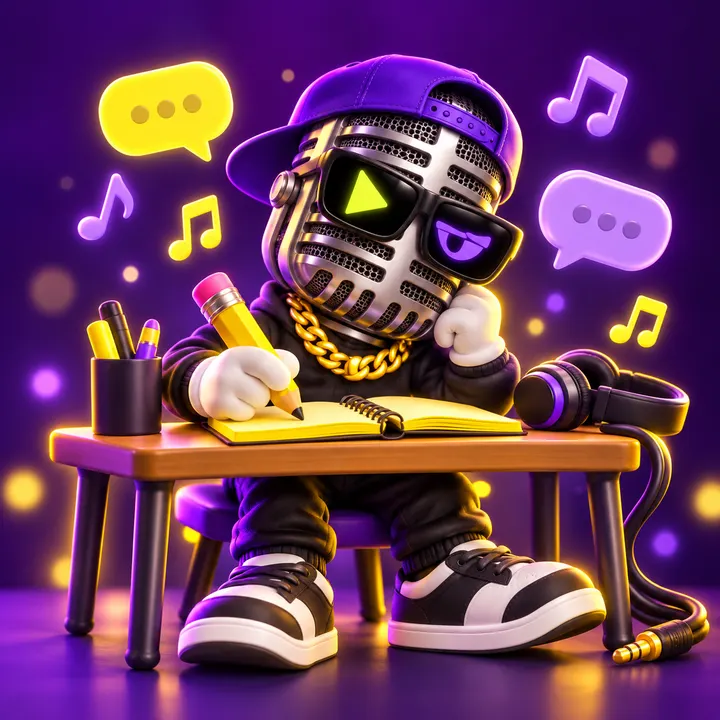
Yo, I'm Micky MV! Give me one line and we'll make your AI rap video.

A lip-sync rap video from one photo and a 5, 10 or 15 second slice
The rap song behind it, with title, tags and lyrics you can download
A lyric draft you can edit before you spend song credits
HOW IT WORKS
How to make an AI rap video in four steps
Song and video are two separate generations, so you can redo the song before you spend video credits.
- 01
Write the song
Describe the theme, pick a style and generate. You get finished tracks with lyrics and tags, ready to play and download.
- 02
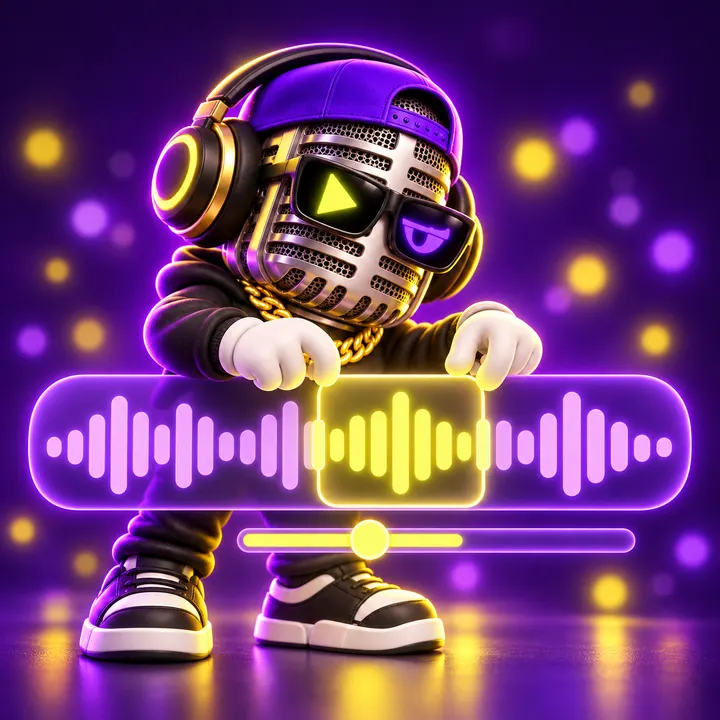
Choose your fifteen seconds
Open the song, drag the start point and audition the slice. The clip length you pick here is the length of the video.
- 03
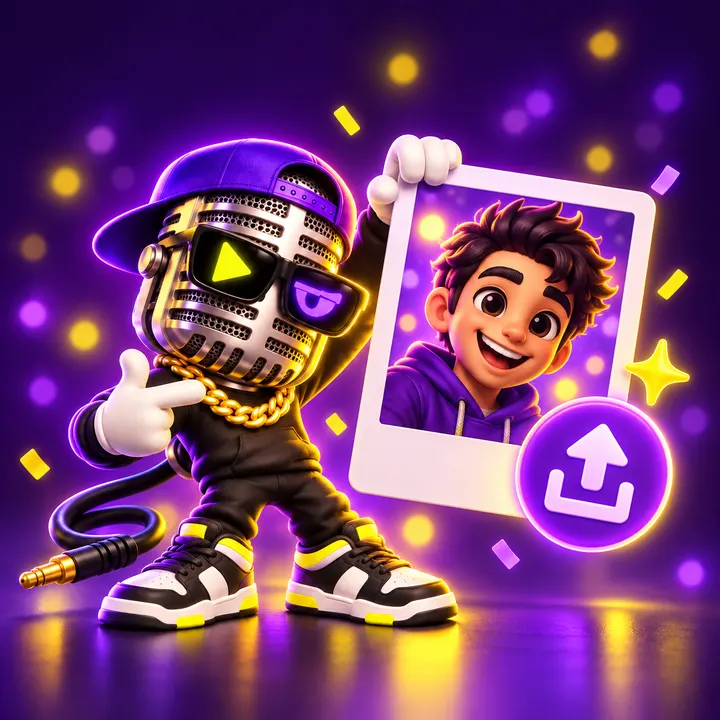
Add one photo
One clear portrait of the performer, front facing and well lit. The framing of the video follows the photo.
- 04
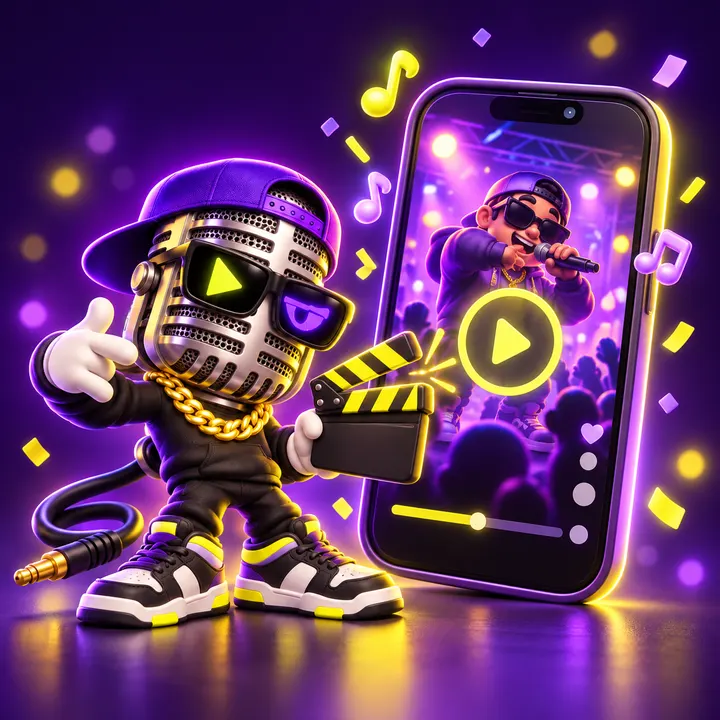
Get the lip-sync video
The mouth follows the vocal, the face stays the person in the photo, and the result downloads as an MP4.
STYLES
Ten rap styles, from boom bap to drill
A style preset changes the beat, the tempo and the delivery. It is a genre, not a person — no artist presets, no voice cloning.
USE CASES
AI rap video ideas people actually post
Short, personal, made to send to someone. Every one of these starts from the same two inputs: a theme and a photo.
Birthday bars
Turn a friend’s inside jokes into a verse they will replay all year.
Friendly roast
A diss track aimed at a group chat, not a person’s character.
TikTok and Reels
A fifteen second hook that lands before the scroll does.
Personal intro
A one-photo intro for a channel, a stream or a portfolio.
Graduation and send-offs
A send-off track for a class, a team or a last day at work.


CREDITS
What an AI rap video costs
Credits are a balance you spend on generations. A plan adds credits each billing cycle and a one-time pack adds them once. The price is shown on the generate button.
12
credits
Rap song (two tracks + lyrics)
One song
4
credits
Lyric draft
One draft
120
credits
Rap MV, standard
15 seconds
- 5 seconds · 40 credits
- 10 seconds · 80 credits
- Pro · 15 seconds · 240 credits
A first project usually means one song plus one fifteen second standard video. The smallest credit pack covers that with room to redo a take.
Questions before you spend a credit
01What is an AI rap video?
A short music video where a performer raps your song. On RapMV you generate the rap song first, then one photo is animated so the mouth follows the vocal for 5, 10 or 15 seconds. Every result is labelled as AI generated.
02Is there a free trial?
Yes, a small one. New accounts get 12 welcome credits once, enough for one full rap song. There is no daily check-in and no referral reward; for lip-sync videos you top up with a credit pack.
03How many credits do one song and one video cost?
A rap song costs 12 credits, a lyric draft costs 4, and a standard fifteen second rap MV costs 120. A five or ten second video costs less because the price scales with the clip length.
04Which AI models does RapMV use?
Lyrics are drafted with MiniMax Lyrics Generation and songs are generated with Suno v6 (chirp-v6). In the Rap Video Studio, lip-sync videos are rendered with LTX-2.3 Lipsync or LTX-2 Lipsync by Lightricks, and you choose the model before rendering. The Rap MV Studio uses SkyReels V3 by Skywork. All of them are third-party models called through their APIs; RapMV is not affiliated with their developers.
05How long can the video be?
Five, ten or fifteen seconds. You choose the slice of the song, and the video is exactly as long as that slice.
06Can I use a song I made somewhere else?
Yes, if you hold the rights to it. Upload any audio you are allowed to use, up to 50MB. Uploading someone else’s recording without permission is not allowed.
07Can I put a celebrity or a politician in the video?
No. Uploads are limited to yourself or an adult who has given you consent. Public figures, politicians and minors are not allowed.
08Can it sound like a specific rapper?
No. There are no artist presets and no voice cloning. The style presets describe a genre — trap, drill, boom bap — and nothing else.
09Can I use the song and the video commercially?
That depends on the terms of service and on the rights you hold to the photo, the lyrics and the voice in the recording. Read the terms before you publish commercially.
10What do I get at the end?
The song downloads as audio with its lyrics, and the video downloads as an MP4. The framing follows the photo you upload.
11What kind of photo works best?
One person, facing the camera, evenly lit, plain background, no other faces and no text in frame. A half-body or head-and-shoulders portrait gives the cleanest mouth movement.
Start your AI rap video with one line
The song comes first, the video comes second. Both stay in your library, so a take you do not like costs you one generation, not the whole project.